Business Dashboards for Small Business: What to Show First
Business dashboards for small business: which metrics to show first, what to leave out, and how to avoid the pretty panel nobody opens. A practical guide.
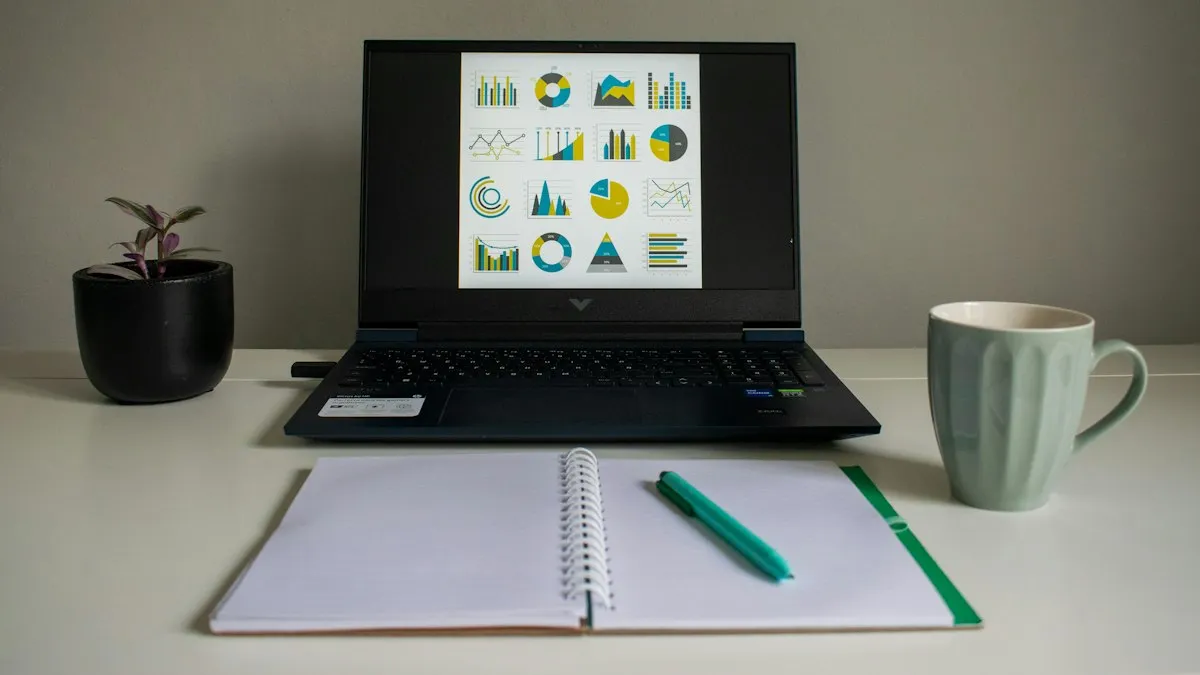
Plenty of companies have been through this: someone builds a panel with twenty colorful charts, it gets shown in a meeting, everyone agrees it looks great, and three weeks later nobody opens it. The problem is rarely the tool. The panel was designed to display data, not to help people decide.
Business dashboards for small business work when they answer one concrete question: how is the company doing today, and what should I do about it? This guide helps you decide what goes first, what stays out, and how to tell whether building one is worth it.
What is a dashboard, and what is it really for?
A dashboard is a single screen that brings together the most important indicators of your business, pulled from your systems and kept current without anyone assembling them by hand.
It does three jobs, and it’s best not to ask for more:
- Show at a glance whether something is going well or badly, without asking anyone for a report.
- Flag early anything out of the ordinary: a sales dip, unpaid invoices, inventory running out.
- Align the team. When everyone looks at the same numbers, there is less debate about which figure is right and more about what to do.
What it is not: an archive of all the data you own. Detailed reports exist for that. A dashboard is a summary with a purpose.
What should a dashboard show first?
A practical rule: the top left holds whatever weighs most in the day’s decisions. Ask yourself before designing anything: if I could only see five things every morning, which would they be?
For most small businesses, the first screen revolves around four questions:
- How much are we selling? Sales for the period against the previous period and against the target you set.
- What are we owed, and what do we owe? Receivables and payables, with overdue items highlighted.
- What is moving? The products or services that turn over most, and those that have been sitting still.
- Where is there an open problem? Late orders, unresolved complaints, tasks past their due date.
The exact indicators depend on your business. A restaurant looks at different numbers than a distributor or a clinic. For a starting list, we cover that baseline in the 7 numbers every manager should see each morning.
What should you leave out?
This is where most people go wrong, because adding is easy and removing is hard. Leave out:
- Vanity metrics: numbers that climb and feel good but change no decision.
- Data nobody owns: if no one is responsible for improving an indicator, it doesn’t belong on the main screen.
- Decorative charts: an eight-slice pie chart or a 3D effect is hard to read and adds nothing.
- Anything you can look up separately: invoice-level detail lives in your system; the dashboard should only let you reach it when something stands out.
A good test: for each indicator, ask what would I do differently if this number changed? If the answer is “nothing,” it’s surplus.
How do you avoid a dashboard nobody uses?
Abandoned panels tend to share the same causes:
- They were built without talking to the people who would use them. The sales manager, the accountant and the owner need different things. Mixing them on one screen satisfies no one.
- The data arrives late or looks doubtful. If the first number someone checks doesn’t match what they know, they lose trust and don’t come back. Data quality matters more than design.
- They depend on someone updating them by hand. A panel that needs copy-and-paste every week has its days numbered. It should feed itself from your systems; we described that idea in the sales report that builds itself every Monday.
- No routine is attached. A dashboard without a weekly meeting or daily habit that uses it ends up decorating a screen.
Where does the data come from?
A dashboard is only as good as the sources feeding it. Data usually lives in several places: billing, inventory, spreadsheets, the CRM, accounting. Before talking about charts, three things need settling:
- Where each piece of data lives and who maintains it.
- How the sources connect, so a customer or a product is the same entity everywhere.
- How often it refreshes. Real time isn’t always needed; for many decisions a daily update is enough.
When systems don’t talk to each other, this part usually takes the most work, and it also delivers the most value. It’s the same problem we described in the hidden cost of double entry. In those cases, integrating your systems before building the dashboard avoids stacking it on numbers that don’t add up.
Is Excel enough, or do you need something more?
It depends on two things: how many data sources you have and how many people need to see the numbers.
Excel or a shared spreadsheet can be enough if you have one data source, few indicators and one person maintaining them. It’s a cheap way to validate which numbers you actually use before investing in something bigger.
It starts to fall short when:
- Data comes from several systems and someone spends hours consolidating it.
- Several people need the same view, with different permissions.
- Figures arrive late because they wait for someone to finish building the file.
- There are formula errors or different versions of the same file in circulation.
If you recognize two or three of these signs, it may be time to consider a data and reporting service that connects your sources and keeps the dashboard current. We touched on something similar in data-driven decisions aren’t just for big corporations.
How do you start without overcomplicating it?
A reasonable order, with no promised timelines because every business is different:
- Write down the five questions you want answered every morning.
- Identify where each answer comes from today and who maintains it.
- Start with one screen, with those five indicators and nothing else.
- Use it for a few weeks and note what’s missing and what’s surplus.
- Expand only what was truly requested, not what “might be useful.”
Most dashboards that work started small and grew with use. The ones that launched with forty indicators almost always ended up with five.
How much does a business dashboard cost?
There is no single price, and be wary of anyone who quotes one without asking you anything. The cost depends mostly on how many data sources must be connected, how clean that data is, how many indicators it includes, who needs access, and whether it refreshes daily or in real time. A dashboard with one clean source and a few indicators is very different from one consolidating four systems.
That’s why the most useful step is a short conversation about which decisions you want to make better. A realistic estimate comes out of that, not the other way around.
The next step
A good dashboard isn’t measured by how pretty it is, but by whether it changes what you do on Monday morning. If you spend hours building reports today, or make important decisions with data that arrives late, it’s worth a look.
If you want to know what a dashboard would show for your business and which systems would need connecting, book a free call. In the first conversation we review your data sources, define which indicators matter, and give you a real estimate.