Sync Inventory Between Systems: How to Stop Selling What You Don't Have
Sync inventory between systems so sales, the warehouse and accounting all show the same stock. How it works, common mistakes and where to start.
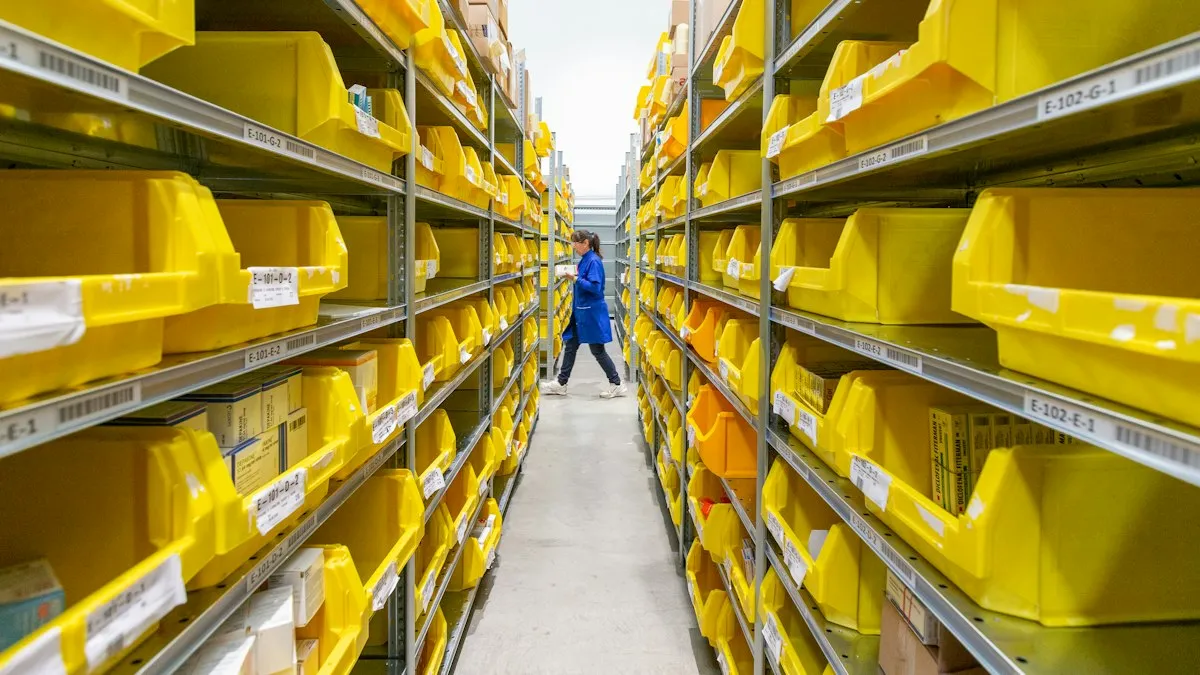
Why does inventory never match across your systems?
Many companies end up with inventory in more than one place without ever planning it: the invoicing system, a warehouse spreadsheet, the online store, the accounting software, maybe a supplier’s portal or a branch’s own system. Each one counts stock its own way, and none of them knows what the others did.
The result is familiar. Someone sells a product that is no longer on the shelf, the warehouse receives goods that accounting cannot see yet, and at month-end someone has to “reconcile” numbers that should never have drifted apart. To sync inventory between systems means that a movement recorded in one place shows up in the others without anyone retyping it.
The root causes are usually three:
- Each system was built for something else. Invoicing was bought to invoice; accounting, to keep the books. Inventory ended up living in both, and neither is responsible for it.
- Data is copied by hand. This is the problem we describe in the hidden cost of double entry: every copy is a chance for an omission, an error or a delay.
- Nobody decided which one wins. When two systems disagree there is no rule to settle it, and the team ends up trusting “whatever Alex said.”
What problems does out-of-sync inventory cause?
The symptoms show up in different places, which is why they are hard to trace to one cause:
- Sales of sold-out products. The customer buys, then you have to call to say it is not available. You lose the sale and, worse, some trust.
- Unnecessary or late purchasing. If the system says you have too much, you do not reorder in time; if it says something is missing that is actually there, you buy again and cash sits on a shelf.
- Accounting that does not reflect reality. Inventory value in the books does not match what you hold, and every close requires a manual reconciliation.
- Team time spent verifying. Calling the warehouse to confirm, checking two screens, asking by message. Small minutes that repeat all day.
- Decisions on doubtful numbers. If nobody trusts the data, nobody uses it, and decisions go back to gut feeling.
If control still lives in spreadsheets, you have probably seen several of these signs; we cover them in signs your business has outgrown spreadsheets.
How does inventory synchronization work?
Without going deep into technical detail, there are three pieces.
1. One source of truth per data point. You decide which system owns each piece of information. For example: the warehouse system rules over stock; invoicing rules over sales. The others read or receive the data, but never make it up.
2. A connection that moves the data. It can be a direct integration between systems (many have an application programming interface, or API, designed for this), an intermediary that translates between them, or a scheduled process that exchanges information at set intervals. Not every system offers the same options, and that shapes the design.
3. Rules for the odd cases. What happens if two sales of the last item arrive at the same moment? If the connection drops for an hour? If a return comes in without an invoice? Good synchronization does not only work on a normal day: it defines what to do when something fails and keeps a record of every movement so you can review what happened.
This is systems integration: connecting what you already use instead of replacing everything.
Real time or at set intervals?
Real time is not always needed, and demanding it without reason makes the project more expensive.
- Real time or near it: worth it when several people or channels sell the same limited stock (online store and counter, for example), where outdated stock translates directly into a failed sale.
- At intervals (hourly, nightly): usually enough for high-volume products with little risk of selling out, or for feeding data to accounting.
The useful question is not “can it be real time?”, it almost always can, but “what does an hour of outdated data cost on this product?” The answer guides how much to invest.
What mistakes should you avoid?
These are the most common stumbles when connecting inventory systems:
- Syncing both directions with no rules. If both systems can edit the same figure, sooner or later they overwrite each other. Define a direction or a priority criterion.
- Not cleaning the data first. If the same product has three different codes, connecting systems only spreads the mess faster. Codes and units get unified first; our article on migrating data between systems covers that.
- Forgetting exceptions. Shrinkage, samples, internal use, returns, goods in transit. If the system has no easy way to record them, they get noted elsewhere and the mismatch returns.
- Not alerting when it fails. A connection that drops silently is worse than none, because the team keeps trusting frozen data. There must be alerts and an error log.
- Trying to do everything at once. Starting with the flow that hurts most, usually a sale that deducts stock, delivers results sooner and lets you adjust before going further.
How do you start without stopping operations?
A reasonable sequence that does not require halting the business:
- Map where inventory lives today. List every system or sheet that holds stock and who updates it.
- Pick the priority flow. Usually the one that causes the most mismatches: sales against stock, or goods received against purchases.
- Define the source of truth for each data point and unique product codes.
- Test in parallel. The connection runs in the background and its numbers are compared with the manual process. When they match consistently, you start relying on it.
- Add alerts and a dashboard. So you can see when something failed to sync, and so management can check stock without asking anyone.
Once the data agrees, the next step makes sense: automating the processes that depend on it, such as reorder alerts or suggested purchase orders. If your concern is physical control inside the warehouse, read first how to stop counting by hand.
How much does it cost and how long does it take?
It depends on factors you can identify, though not on a figure we can give without knowing your case:
- How many systems need connecting and how open they are (whether they have an API).
- How clean your product data is: codes, names and units.
- What frequency you need: real time or batch.
- How many exceptions your operation has: branches, consignment, batches, expiry dates.
That is why we will not give a number here: it would be made up. A real estimate comes from knowing your systems and your operation.
What is the next step?
Before talking to anyone, do a half-hour exercise: pick five products and compare their stock in every system that shows it. If they match everywhere, your problem may be something else. If not, you already have a concrete example to start with.
With that list, the first call with us is free and focused on your case: which systems you have, where they drift and what to connect first. Book your call here.